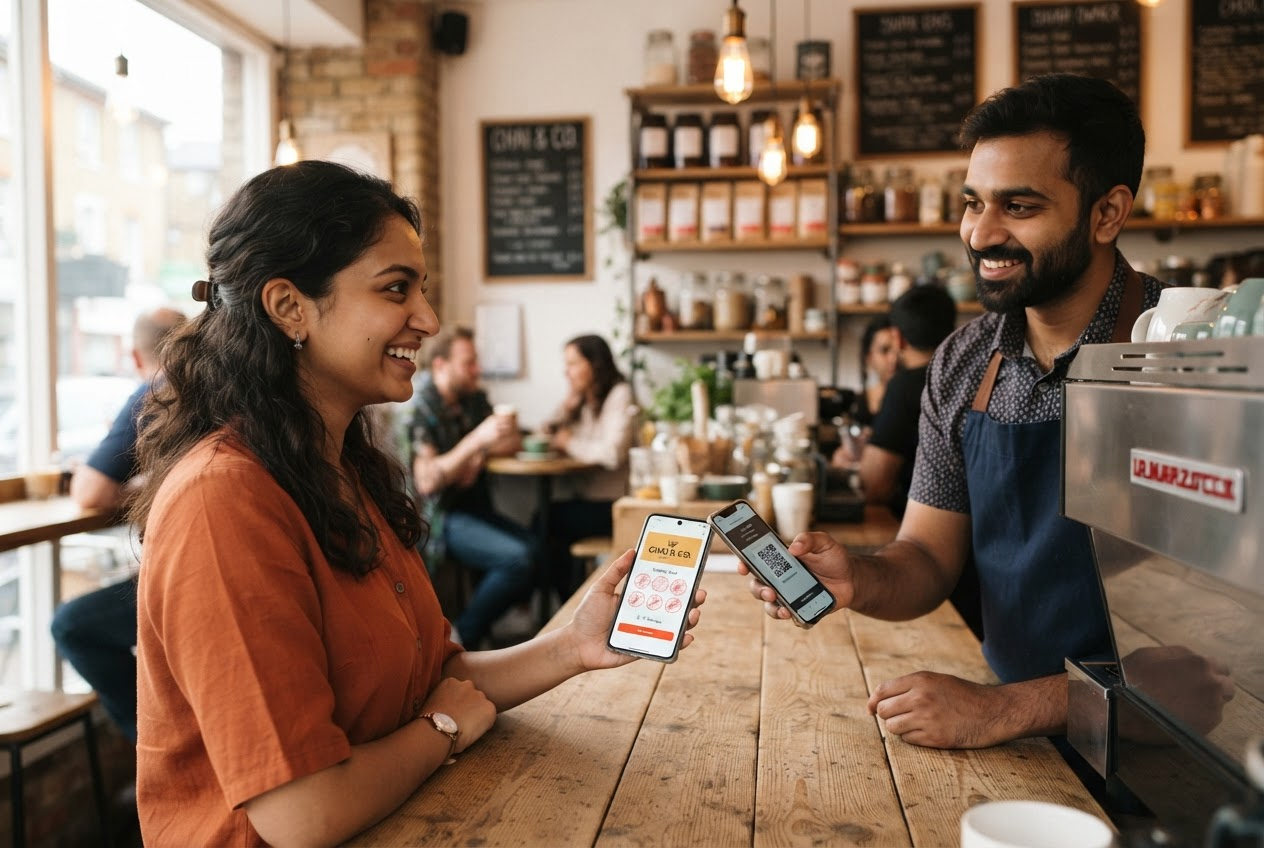
Paper cards disappear
Customers forget the card at home, lose it in the wallet, or wash it with their jeans. A phone card is always in their pocket.

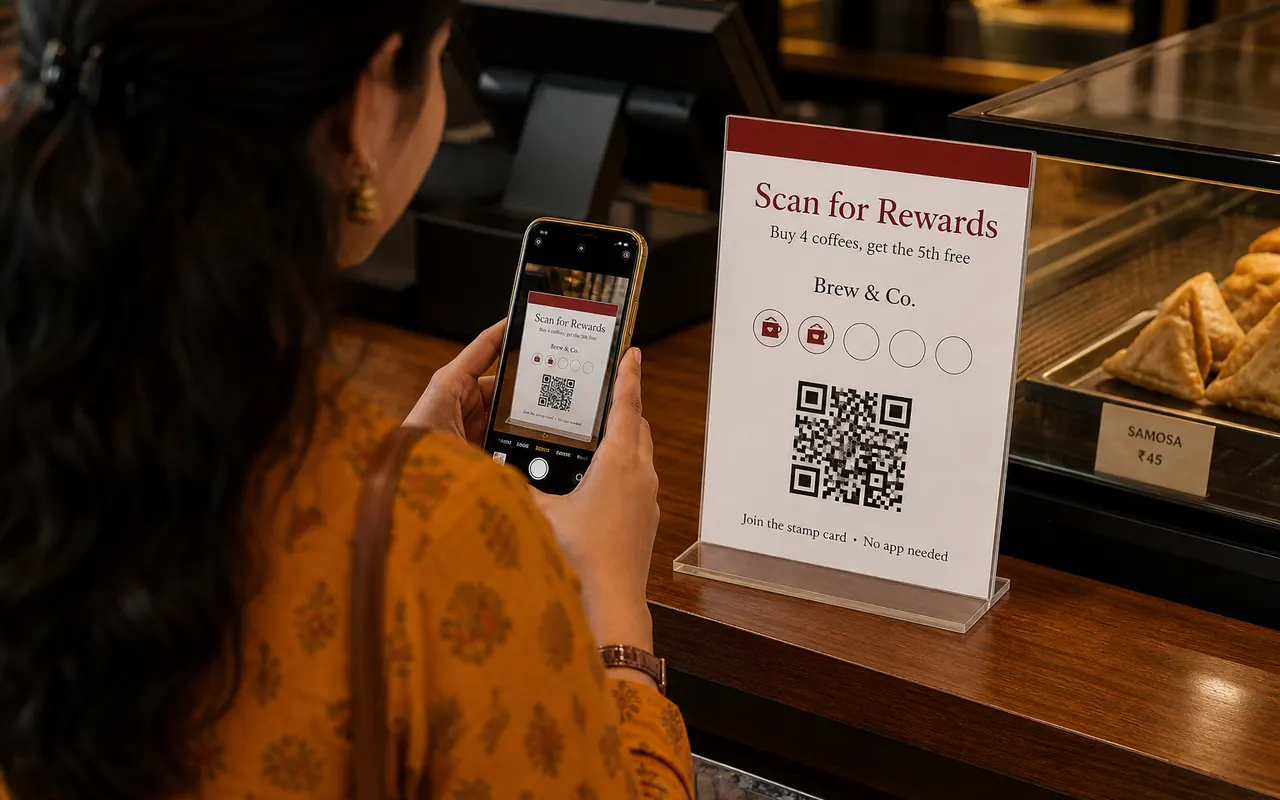
A digital stamp card that replaces the paper punch card. Customer scans a QR poster, gets a card on their phone, collects stamps every visit. No app download, no plastic — just open and scan.
5 min
setup time
0 apps
for customers
₹0
to start
The paper card problem
Buddyzo gives every regular a digital stamp card — same loop, no lost cards, no hardware.
Paper cards disappear
Customers forget the card at home, lose it in the wallet, or wash it with their jeans. A phone card is always in their pocket.
Plastic cards cost money
Printing 500 plastic loyalty cards costs ₹5,000+ and takes two weeks. Buddyzo costs nothing to start and works the same day.
No way to know who came back
Paper cards don't tell you which customers are regulars. Digital cards track every visit so you know exactly who returns and who stopped.
Your first program
Write the reward in one line, print the QR poster, start scanning. Most shops are live by afternoon.
Counter script
Same words every customer. Staff don't need to explain loyalty theory.
Join
Scan this QR once. Your loyalty card opens on the phone.
Stamp
Show your QR at the counter. One scan, one stamp.
Check
Open the card anytime to see how many stamps you have.
Reward
Stamps full? Collect your reward at the counter.
House rules
Do this
Don't
Keep it simple
Start with one reward — 'Buy 5, get 1 free'. Add tiers later once customers get used to the system.
Tell them what they get
Don't write 'Loyalty Points'. Write 'Free chai on 5th visit' or '₹100 off on 10th visit'. Clear rewards bring people back.
Poster placement
Put the QR where customers wait — billing counter, payment desk, pickup window. Don't hide it behind the door.
First program is free
Create the shop in minutes. Phone, desktop, or both. First program is free.