Customers & apps
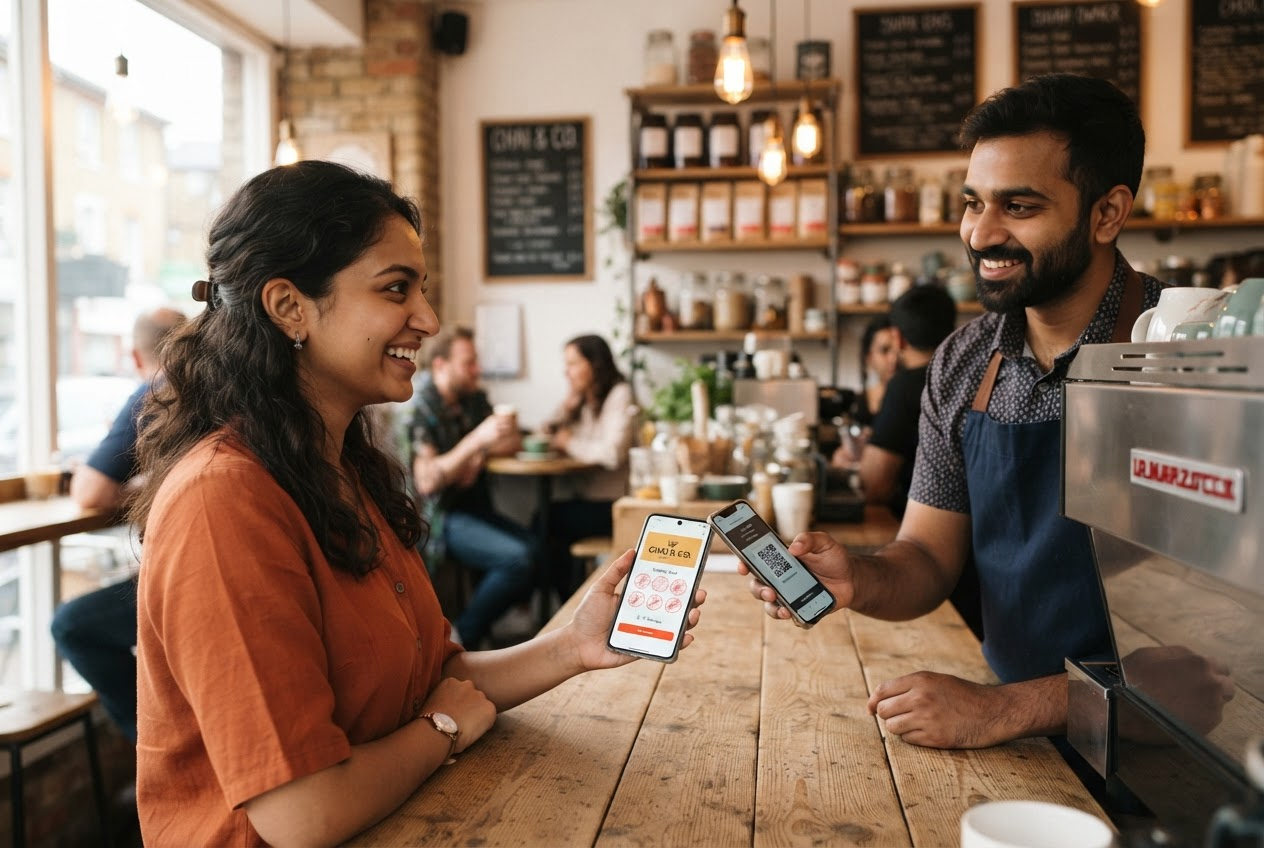
They scan the poster. Chrome or Safari opens the card. Home screen is optional.

No app store for customers. Staff scan the phone, not the shop poster. First program is free.
Jump to a topic
Customers & apps
They scan the poster. Chrome or Safari opens the card. Home screen is optional.
Where the QR goes
Counter, window, table, wherever they wait. That code is join-only.
What staff tap
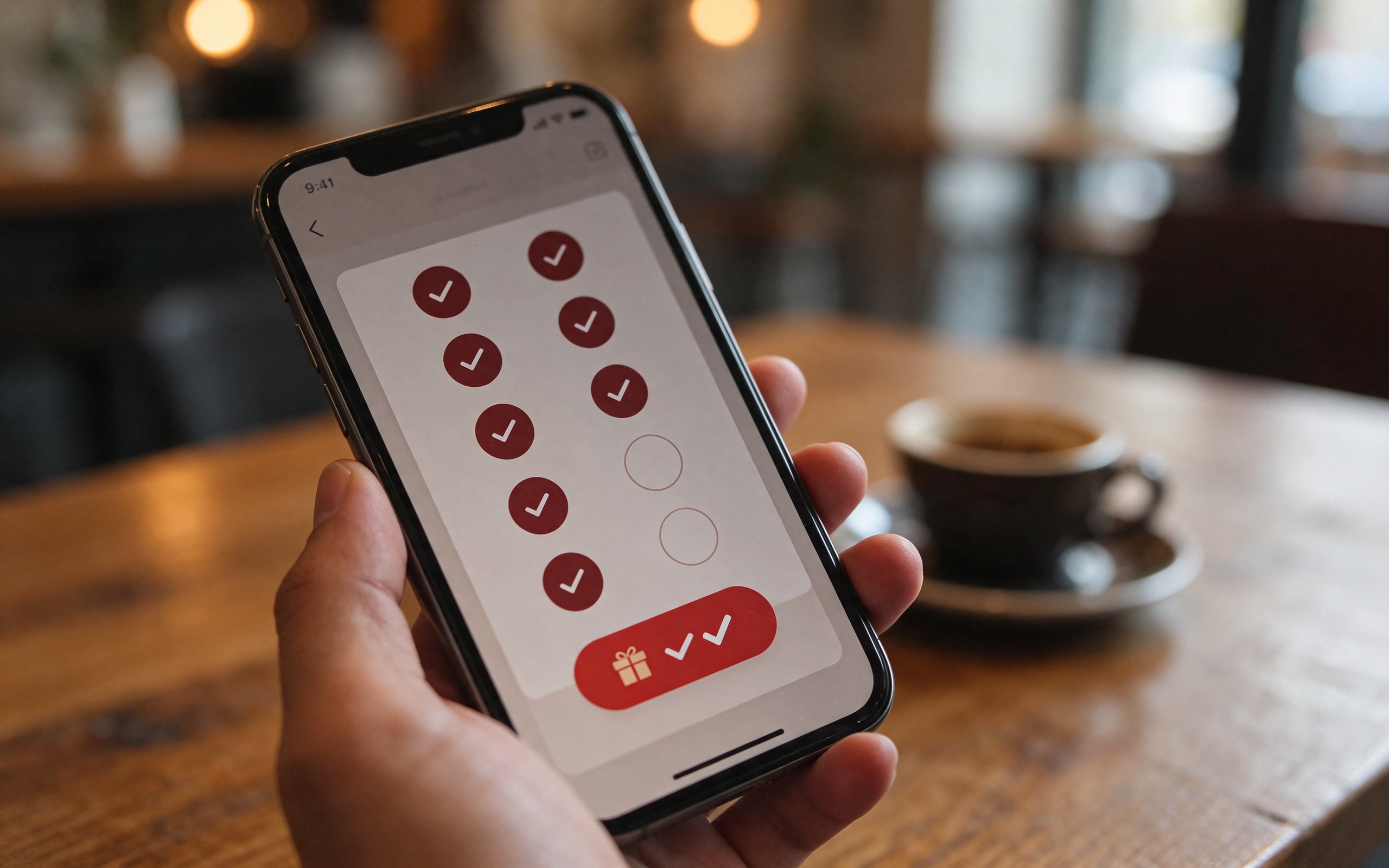
Scan → their phone QR → name → stamp. Full card: give, then redeem.
Buddyzo is a digital stamp card for local shops — cafes, salons, gyms, juice bars, and more. Customers scan your QR poster once, collect stamps on their phone, and redeem a free reward at the counter. No app download, no hardware needed. Try it at buddyzo.in.
No app store involved. They scan your poster and the card opens in Chrome or Safari — same browser they use every day. Saving it to the home screen is optional.
Counter, window, table, takeaway bag — anywhere they pause. One poster handles joining. After that, stamps come from the QR on their phone, not your wall print.
Sign up, write the reward in one line (example: 'Buy 4 coffees, 5th free'), print the poster. Most shops are scanning by afternoon of the same day.
Open Buddyzo on their phone, tap Scan, point at the customer's card QR, confirm the name, done. Same two steps every visit. Full step-by-step on the For staff page.
They sign in with the same username and 4-digit PIN on the new phone. All stamps come back — no visit lost.
Yes. Change it anytime. New members get the updated program. Regulars who already started their card finish on the original terms — no one loses stamps mid-way.
Yes. First 30 customers are completely free — no card, no trial expiry. See real results before you decide to upgrade.
Email us at support@buddyzo.in, call +91 75708 07080, or use the contact form at buddyzo.in/contact. We reply the same day.
Longer answers
First program is free
Create the shop in minutes. Phone, desktop, or both. First program is free.