Window poster
Before they even enter
Street-facing glass catches people walking by. They see the offer, scan, and walk in already enrolled.

Type your name and offer. The poster, stand, board, table tent, and flyer update live, then you download the real files from the dashboard.
Brew & Co. Coffee
Loyalty Card
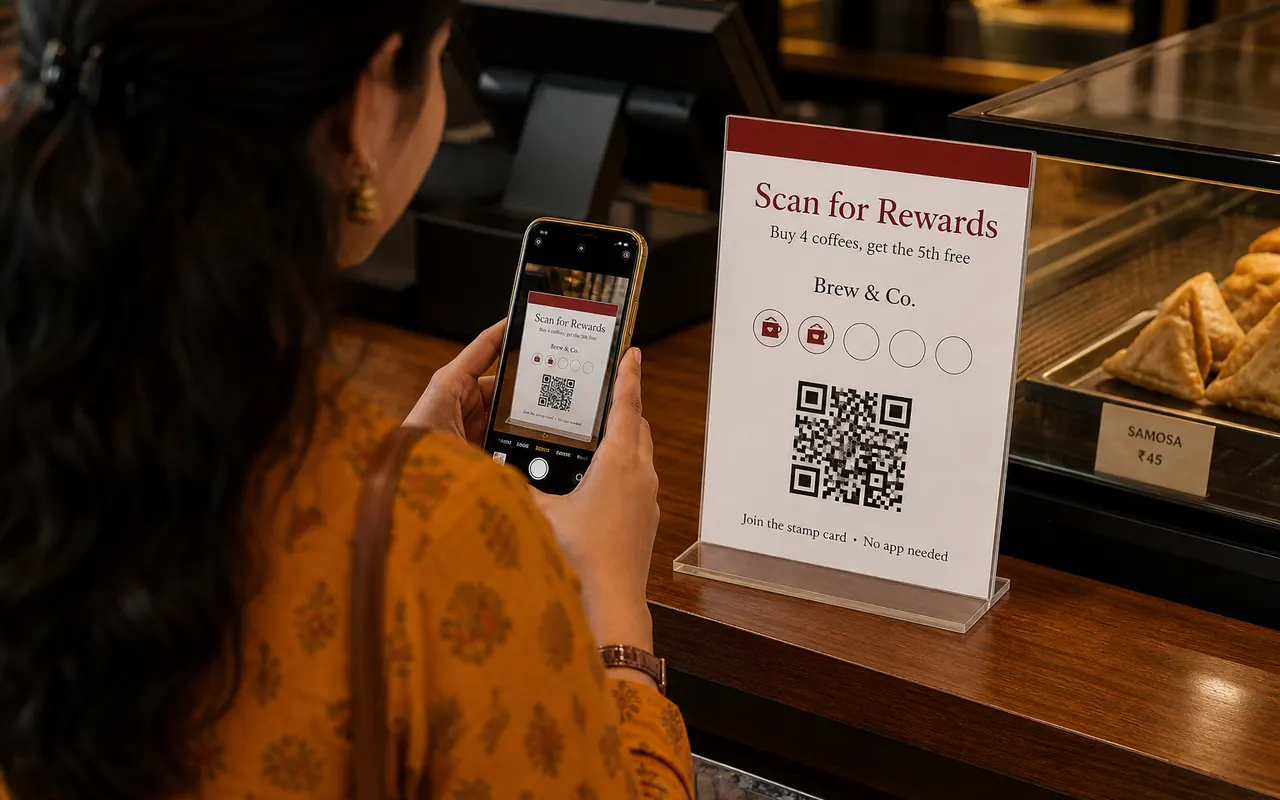
Buy 4 coffees, get the 5th free
Scan with camera
POWERED BY BUDDYZO
Window Poster
A4 sheet for your shop window, passers-by scan from outside.
Live preview
Type below. The mockup on the left changes as you go.
You also get
Print-ready PDF poster kit
In-store board + flyer
Counter stand + table tent
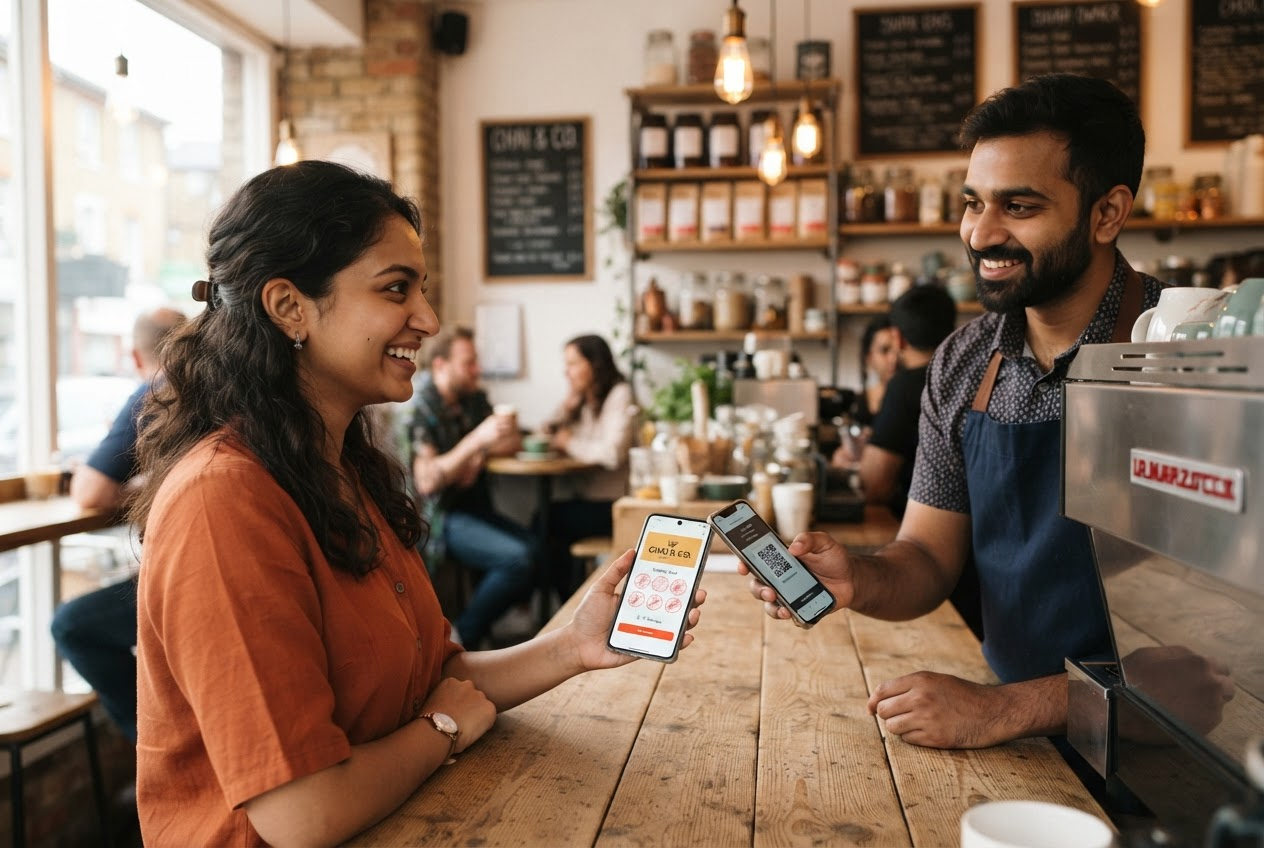
No app required
Customers scan the QR, the card opens right in their browser.
More repeat visits
Stamp cards give people a reason to come back one more time.
Your brand, everywhere
Poster, stand, board, tent, flyer, every print matches your colours.
Where each surface goes
One QR on every surface — joining only. After that, stamps come from the phone.
Window poster
Before they even enter
Street-facing glass catches people walking by. They see the offer, scan, and walk in already enrolled.
Counter stand
Eye-level at the till
While they wait to pay. Staff can point at it without leaving the counter. Most joins happen right here.
In-store board
Waiting area and entrance
Gyms, salons, clinics — the board near the reception is where people look when they first arrive.
Table tent
While the order is being made
Sit-down cafes: they scan during the two minutes they're waiting. No staff effort needed.
Bag sticker / flyer
Takeaway customers
Same QR on the bag. Catches customers who paid and left before seeing the stand.
Golden rule
This QR is for joining only
Shop print = join. Phone card = stamps every time after. Mix these up and the queue stops.
Your kit, your brand
Set your brand colour, write the offer line, choose your stamp count in the dashboard. All five surfaces update live with your details. Download and take to any print shop — or print A4 at home.
Print rules
Do this
Don't
First program is free
Create the shop in minutes. Phone, desktop, or both. First program is free.