 01Join
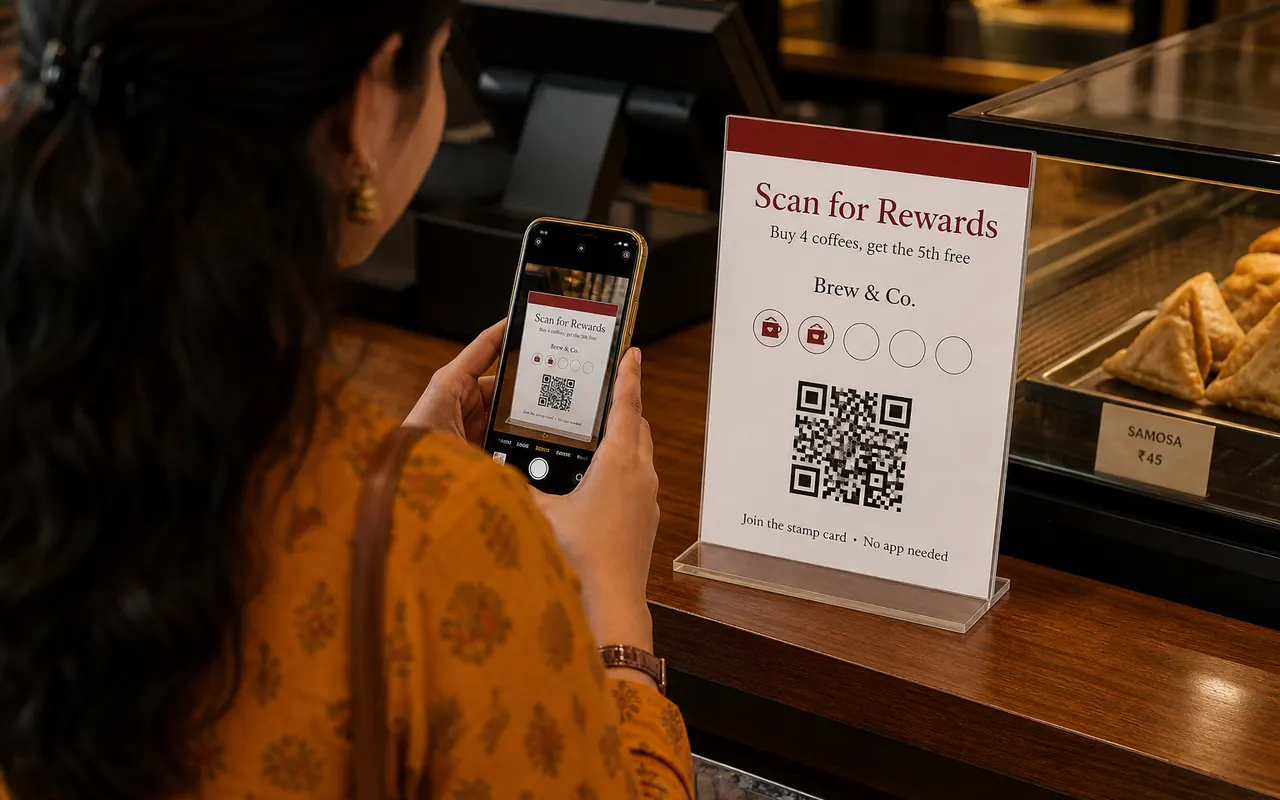
They scan the poster
One QR on the counter. Card opens on their phone, no app store.
SayScan this once. Your card is on the phone now.

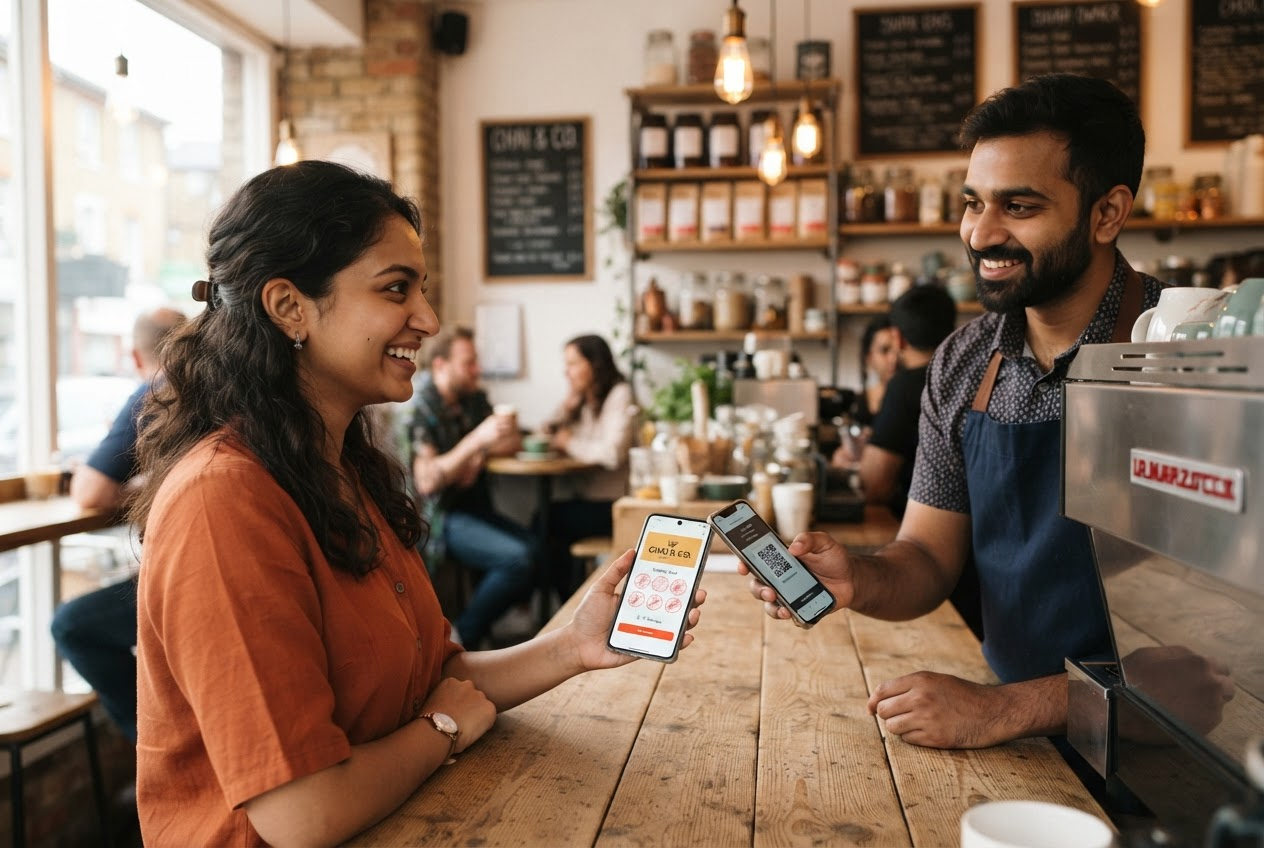
Brief the counter with the photo boxes. Same order every visit, poster for new people, their phone for stamps.
 01Join
They scan the poster
One QR on the counter. Card opens on their phone, no app store.
SayScan this once. Your card is on the phone now.
 02Join
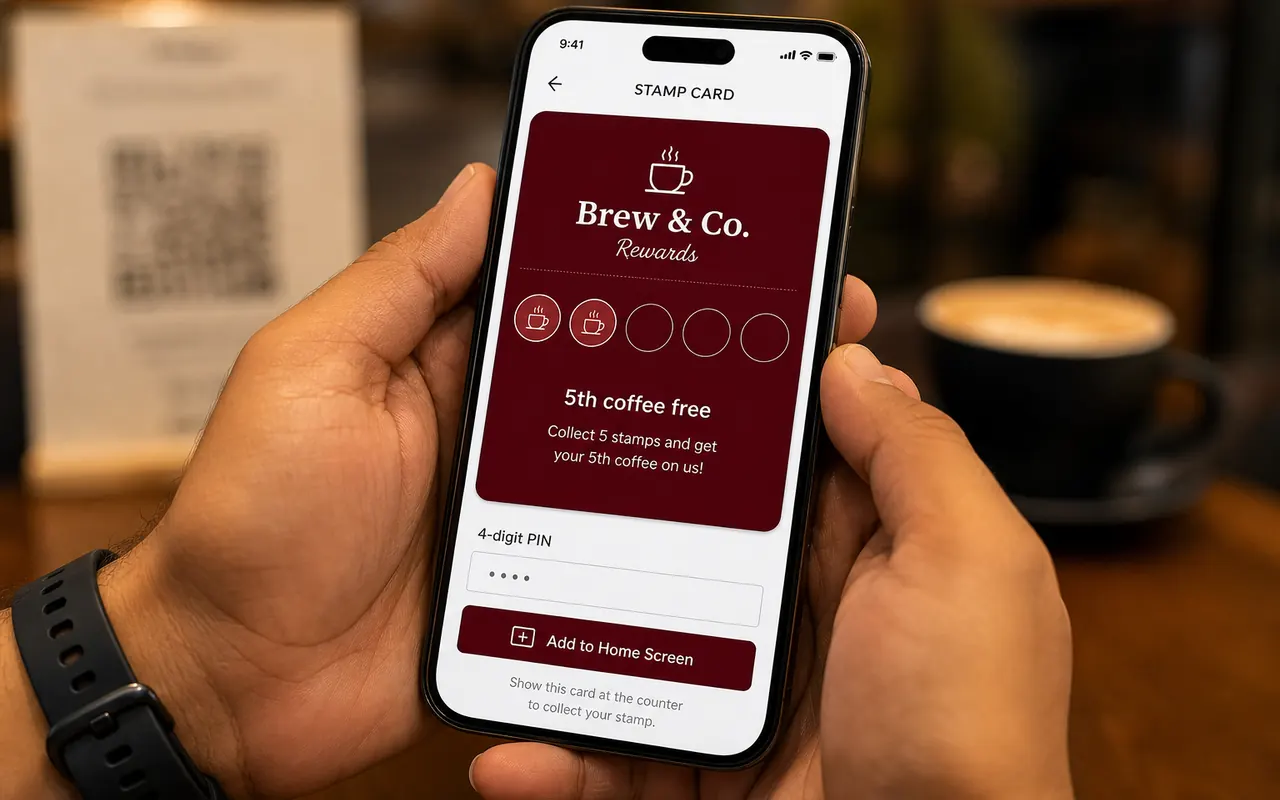
Home screen + PIN
Save the card. Username and 4-digit PIN bring stamps back on a new phone.
SayAdd to home screen. Remember your PIN.
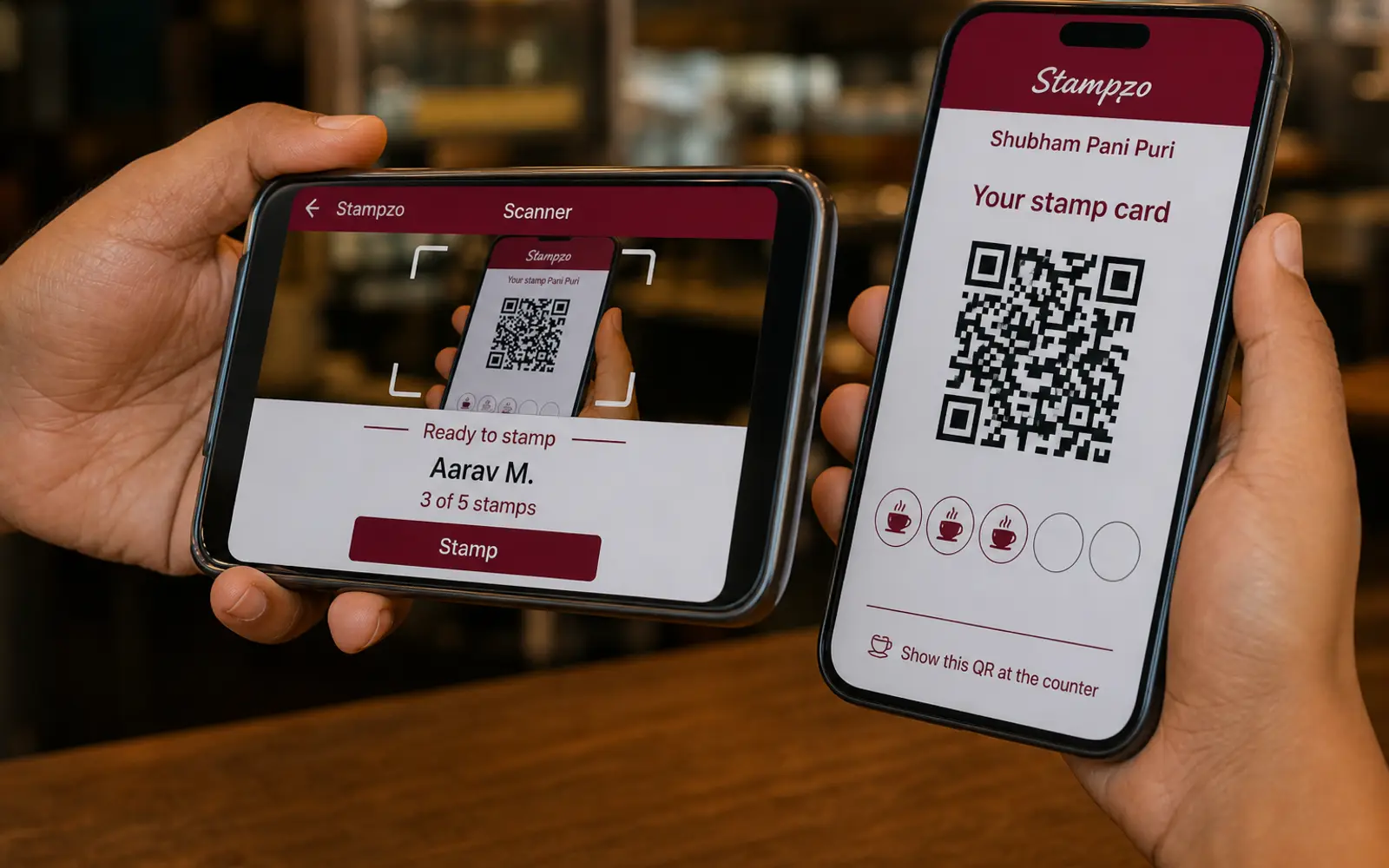 03Stamp
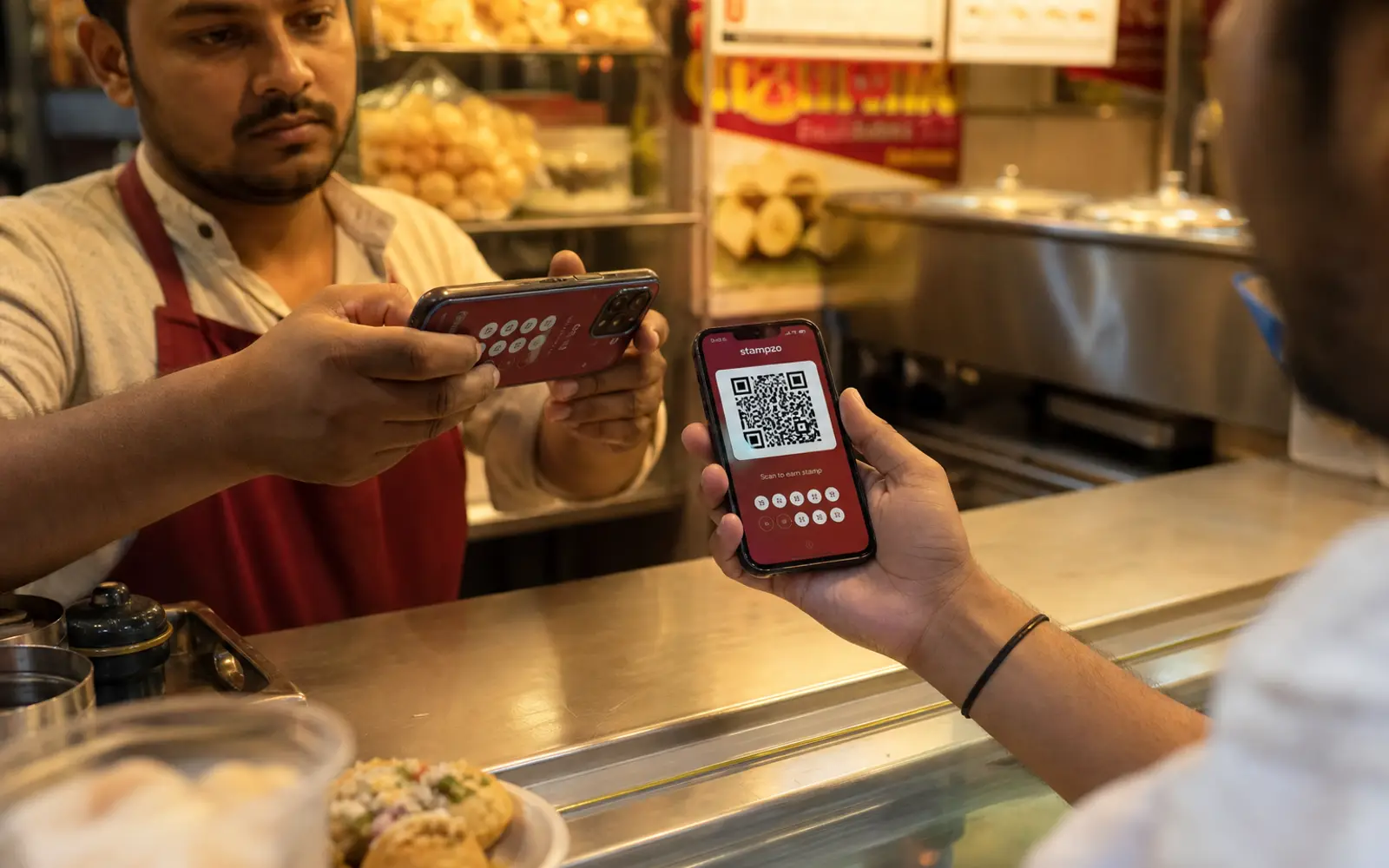
You scan their phone
Staff login → Scan. Point at the QR on their card, not the shop poster.
SayOpen Buddyzo. Show us this QR.
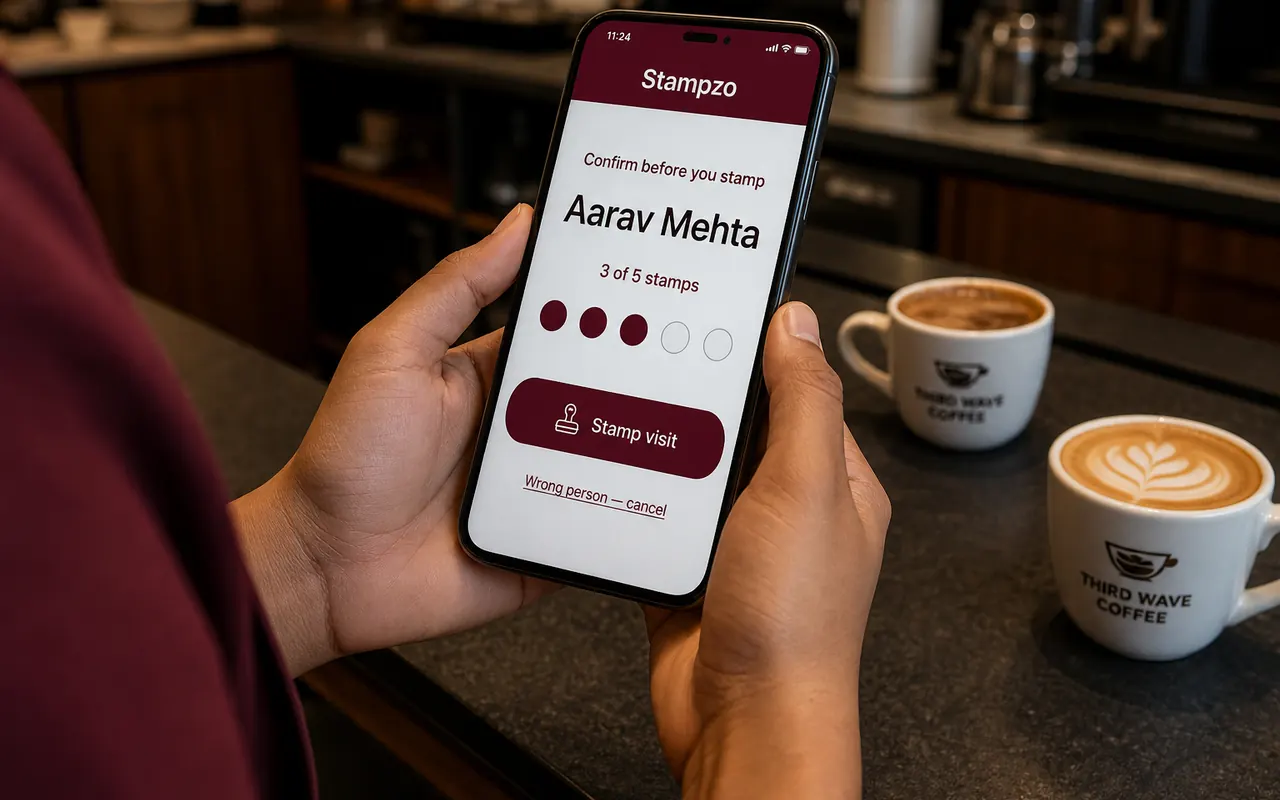 04Stamp
Check the name
Confirm it is them, then stamp. Wrong name? Cancel and scan again.
SayYour name is on the screen. One stamp.
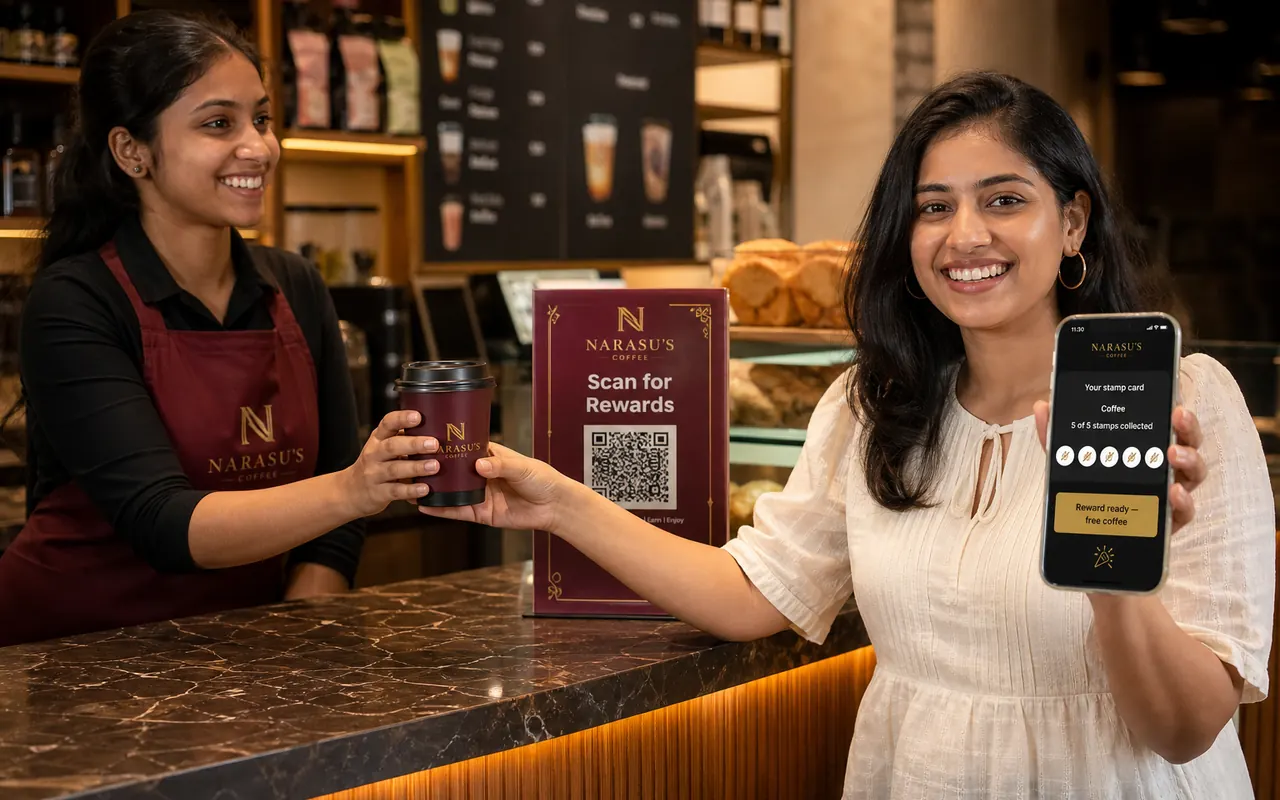 05Reward
Give, then redeem
When the card is full, hand over the free item first. Then tap redeem.
SayStamps are full. We give it now.
Left is the customer. Right is the shop. The same loop, said out loud.

Kya mujhe koi app download karni padegi?
Most important step
Couples share phones, families share accounts. The name on your screen is who gets the stamp. Two seconds to read it. Skipping this is where disputes start.
Busy counter script
You don't need to explain how loyalty programs work. These four cover almost every situation.
New customer walks in
'Scan this poster once — your stamp card will be on your phone immediately.'
Regular comes back
'Open your Buddyzo card and show me the QR.'
You scan and stamp
'[Name] — one stamp added. You have X left to go.'
Card is full
'You've got a free [item]. I'll hand it over and then mark it redeemed on my end.'
Counter rules
Do this
Don't
First program is free
Create the shop in minutes. Phone, desktop, or both. First program is free.